


How to Build an Affordable DIY Golf Simulator (Under $10K–$15K)
Building an affordable DIY golf simulator at home is one of the best ways to enjoy year-round practice without paying for a premium installation. While a professional build delivers the best aesthetics and functionality, a well-planned DIY setup using the right golf simulator computer, projector, screen, and enclosure can still give you an excellent experience — all while staying under a $10K–$15K budget.
Below is the complete breakdown of what you need, the typical cost range, and recommended products from our Golf-2-U catalog.
1. Pick the Right Launch Monitor ($2,000–$5,000)
Your launch monitor is the engine of your entire system. For affordable DIY setups, consider units under $5K that still provide strong ball-data performance.
Popular Options
-
SkyTrak+ – Perfect for indoor DIY setups
-
Foresight GC3 / GC3S – High accuracy at a mid-range price
-
Uneekor Eye Mini – Fantastic performance for the cost
Browse our launch monitors:
👉 /collections/launch-monitors
2. Choose a Golf Simulator Screen ($400–$1,200)
Your golf simulator screen affects image quality, noise, ball durability, and overall immersion. Budget screens can work, but higher-end impact materials last longer and look cleaner.
Recommended screen options from Golf-2-U:
-
SIG Premium Impact Screen
👉 /products/sig-premium-screen -
Golf-2-U Budget Impact Screen (great DIY value)
👉 /products/budget-impact-screen
3. Build or Buy a Golf Simulator Enclosure ($500–$2,500)
You can build one using EMT pipe + connectors, or buy a pre-made enclosure that fits your room dimensions.
Recommended:
-
DIY Golf Enclosure Kit (Frame + screen-ready)
👉 /products/diy-golf-simulator-enclosure -
Golf-2-U Pro Enclosure
👉 /products/golf-2-u-enclosure
DIY saves cost but expect a more “industrial” look compared to our finished enclosures.
4. Pick a Golf Simulator Projector ($400–$1,200)
The projector is a key element that determines your image brightness and clarity. For DIY setups, a solid short-throw projector is ideal.
Recommended projectors:
-
BenQ TH671ST (best budget)
👉 /products/benq-th671st -
BenQ LK936ST (premium 4K option if your budget allows)
👉 /products/benq-lk936st
5. Get the Right Golf Simulator Computer ($1,000–$2,000+)
Your golf simulator computer is the brain of the entire operation. If it isn’t powerful enough, your software will lag or stutter — no matter how good your launch monitor is.
We recommend the SurfThing Performance Golf Simulator Computer:
👉 /products/surfthing-performance-golf-simulator-computer
This PC is optimized for:
-
GSPro
-
Uneekor Refine/View
-
Foresight FSX Play & FSX 2020
-
E6 Connect
-
TGC 2019
You can buy from Best Buy or build your own, but a purpose-built golf simulator PC guarantees compatibility and saves time.
6. Hitting Mat & Landing Turf ($300–$1,000)
You’ll need a durable golf hitting mat, ideally 4’×5’ or larger, and turf for the ball landing area.
Recommended mats from our catalog:
-
Country Club Elite Mat
👉 /products/cce-golf-mat -
Fiberbuilt Performance Mat
👉 /products/fiberbuilt-performance-mat
Typical DIY Golf Simulator Budget Breakdown
| Component | Typical DIY Cost |
|---|---|
| Launch Monitor | $2,000–$5,000 |
| Enclosure | $500–$2,500 |
| Impact Screen | $400–$1,200 |
| Projector | $400–$1,200 |
| Golf Simulator Computer | $1,000–$2,000+ |
| Hitting Mat + Turf | $300–$1,000 |
| Misc. Cabling / Mounts | $100–$300 |
Total: ~ $5,500–$13,900
DIY vs Professional Installation
DIY is great if you want to save money, but it comes with trade-offs:
DIY Pros
-
Much cheaper
-
Fully customizable
-
Purchase components as your budget allows
DIY Cons
-
Aesthetics won’t match a professional build
-
Risk of incorrect projector alignment
-
No optimization for lighting, spacing, or safety
-
Longer setup time
If you're unsure, we also offer full simulator installation services:
👉 /pages/golf-simulator-installation
Final Thoughts
Building a DIY golf simulator on a budget is 100% achievable as long as you invest in the right core components — especially your launch monitor, golf simulator projector, golf enclosure, golf simulator screen, and of course, a properly-powered golf simulator computer.
If you ever need help choosing the right parts or want a curated DIY package, we’re here to help.
👉 Browse all simulator products: /collections/all
More to read
View all-

Foresight Falcon vs. the Trackman io
Foresight Falcon vs TrackMan iO — full comparison Quick bottom-line summary Foresight Falcon — high-accuracy, quadrascopic camera system (camera-based overhead unit). Includes FSX software licenses and a strong software ecosystem...
Foresight Falcon vs. the Trackman io
Foresight Falcon vs TrackMan iO — full comparison Quick bottom-line summary Foresight Falcon — high-accuracy, quadrascopic camera system (camera-based overhead unit). Includes FSX software licenses and a strong software ecosystem...
-

How to Build an Affordable DIY Golf Simulator (...
How to Build an Affordable DIY Golf Simulator (Under $10K–$15K) Building an affordable DIY golf simulator at home is one of the best ways to enjoy year-round practice without paying...
How to Build an Affordable DIY Golf Simulator (...
How to Build an Affordable DIY Golf Simulator (Under $10K–$15K) Building an affordable DIY golf simulator at home is one of the best ways to enjoy year-round practice without paying...
-
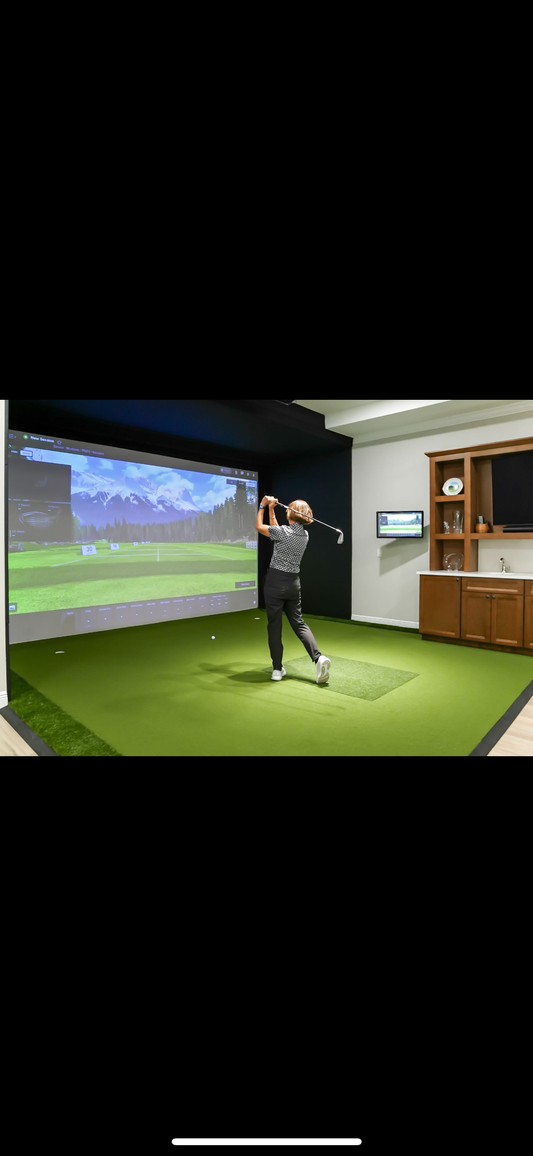
3 Things I Wish I Knew Before Building My Golf ...
3 Things I Wish I Knew Before Building My Golf Simulator Building a golf simulator at home is an exciting project. But like any big investment, there are lessons you...
3 Things I Wish I Knew Before Building My Golf ...
3 Things I Wish I Knew Before Building My Golf Simulator Building a golf simulator at home is an exciting project. But like any big investment, there are lessons you...
-
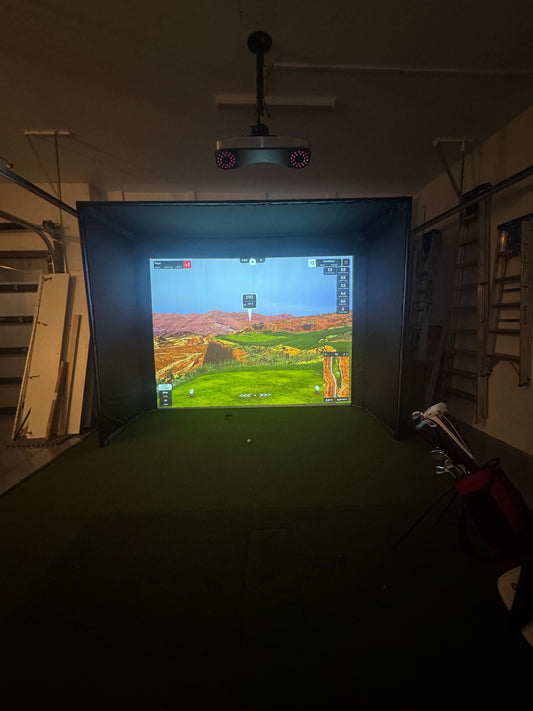
How to Install a Golf Simulator in Your Garage:...
If you’re passionate about golf and want to play year-round, your garage might be the perfect spot for a golf simulator installation. With the right planning, you can transform this...
How to Install a Golf Simulator in Your Garage:...
If you’re passionate about golf and want to play year-round, your garage might be the perfect spot for a golf simulator installation. With the right planning, you can transform this...


